AMD E-350 running ESXi 4.1
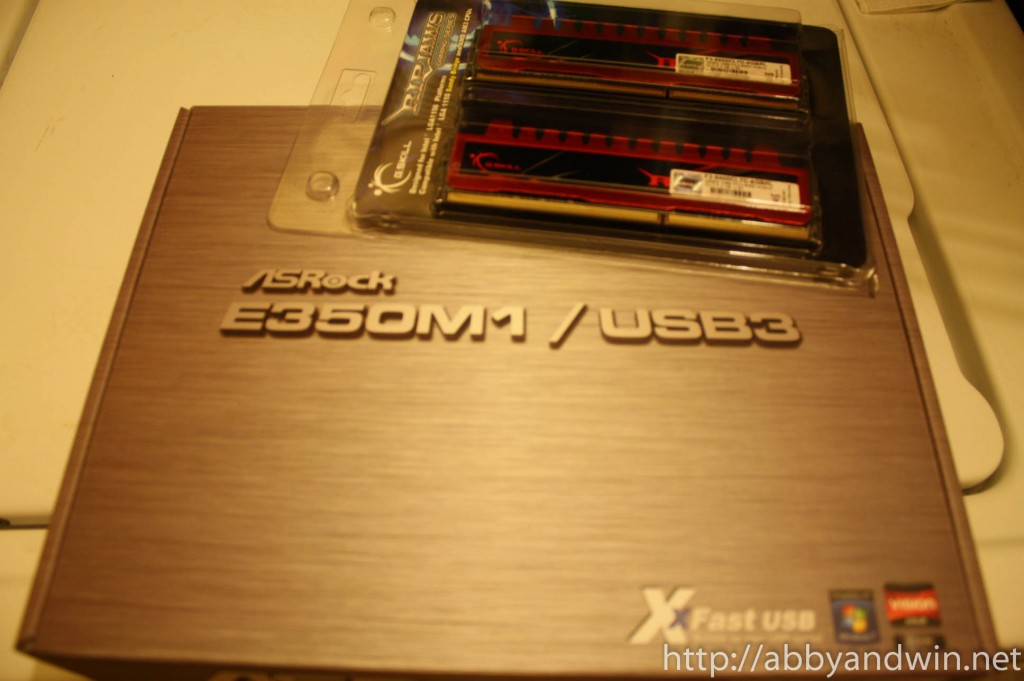
I’ve been playing around with the idea of getting one of those low powered CPU and running ESXi on it. I finally got a chance to playing around with one. I picked up an Asrock E350M1/USB3 from Newegg. I also got a G.Skill 8GB of ram installed. Unfortunately, the ram and mobo/cpu weren’t on sale but I was too excited and curious to wait. I used old parts for the build. An Antec 300 case, an Intel PCIE NIC card, a USB header adapter, and a 1GB USB flash drive. I have a few HDDs lying around as well and a Corsair 500W PSU.
I sold my i7 960 build which funded this project. Overall, I was surprised at the results – both good and bad.
Good:
- I was able to run Ubuntu Server 11.04, Freenas v8, Windows Server 2008 R2 Standard with MSSQL 2008 Server, Windows 7 Ultimate (32 bit). All OS are 64 bit except where noted. Windows 7 was the cap and kept my CPU on 100% usage so I disabled it.
- With 3 VMs running I got an average of 54W power consumption (2x 3.5” 7200RPM HDD Seagates).
- CPU usage on idle floated around 300-650MHz.
- Not bad of a performance considering it’s only a dual 1.6GHz CPU and running multiple VMs at the same time. Of course, the VMs are not doing anything but it’s enough for a home lab setup… at least for what I’d do with it.
Bad:
- Temperature on idle (based on BIOS readings) floated around 41-47C. Remember, I have this an Antec 300 case so plenty of room for airflow. I also have 3 120mm case fans: 1 for the HDDs, 1 at the back, and 1 at the side panel. I was hoping to be under 40C on idle.
- On a full load, the tower was near silent but not silent. I don’t have decibel meter but I’m guessing it would be around the mid to high 20s. I’m basing it on the fan ratings, so I could be wrong.
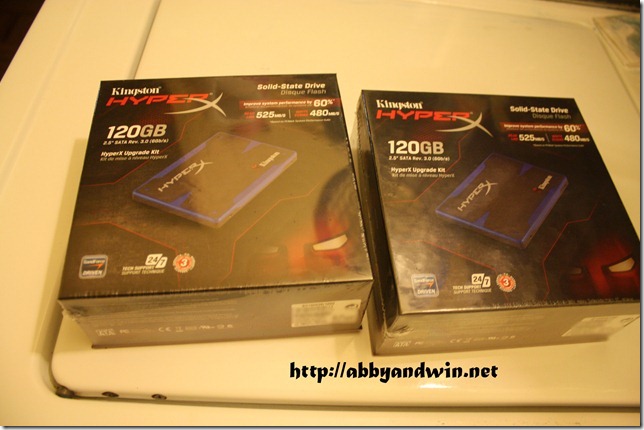
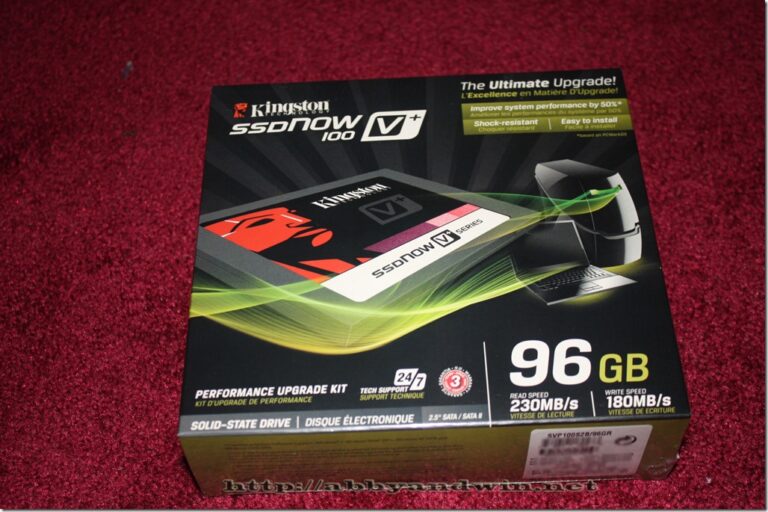
Here are some pics I took.
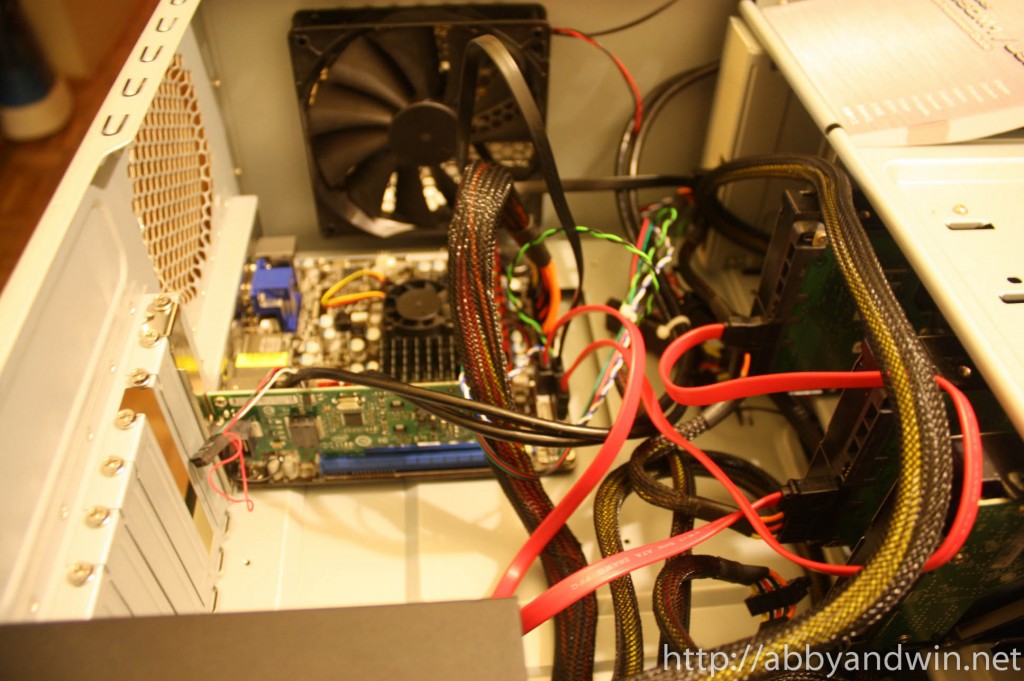
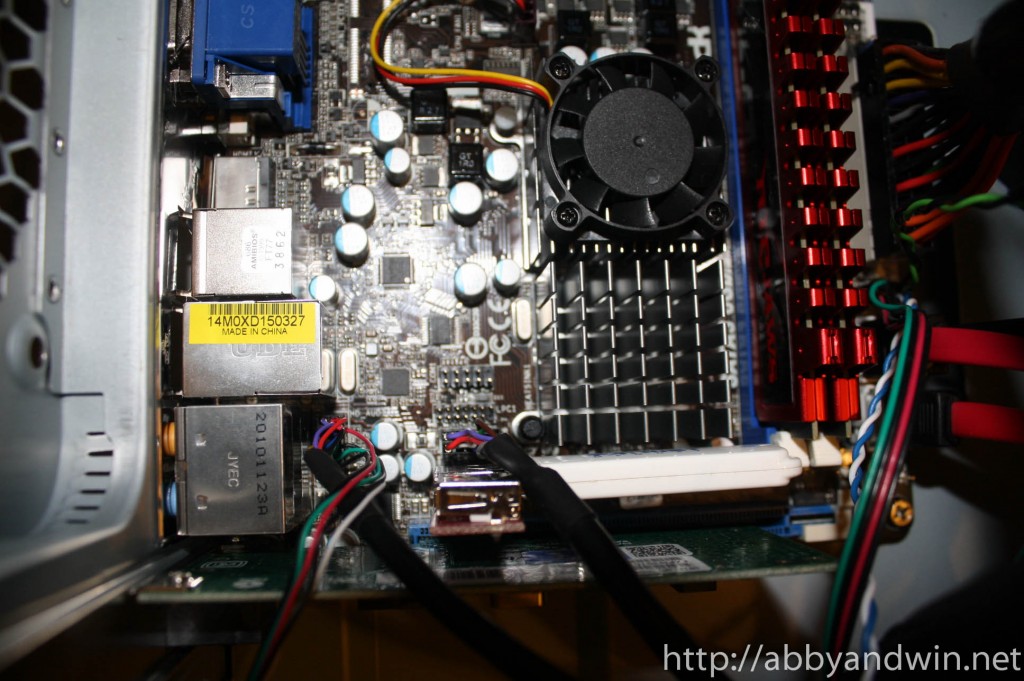
The first video goes over the hardware and the second video is a screencast of ESXi and VMs. I hope this gives you an idea of what can be done with the setup. Prior to this, I couldn’t find any videos and some forum threads with not enough details or screenshots.
I’m planning to turn this box into HTPC running XBMC live via USB. I’ll post more info when I start on that project.
FYI, this site stole this article…http://www.askeu.com/ask/AMD-E…FWIW, I am looking to do the same thing and think your results are great! Thanks for posting!
hi,iommu is working fine? have you tryed to redirect internal vga to vm guest? my goal is utilize at least one integrated display port for htpc use with no need of additional HW.
I will try to do exactly that, redirect GPU to a vm in xcp (Xen Cloud Platform). If that leads to good results, will post here later.M
May I ask if I want to have dual NIC in using the same hardware ask you test, is there any solution for that? Thanks!
@hornet i don’t have this configuration anymore. i sold most of the parts. i’m sure you can run dual nic cards. just make sure it is supported by the OS of your choice. if it’s VMWare, i would suggest running Intel brand cards. you’ll have less compatibility issues with them. but check out their VMWare’s HCL page to be safe.