Optibay Kit from Maxupgrades.com
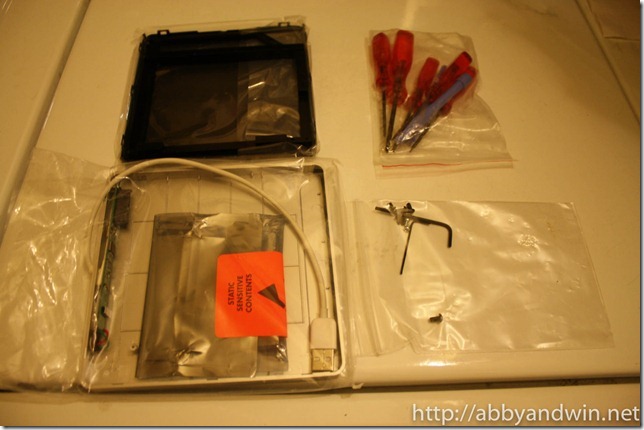
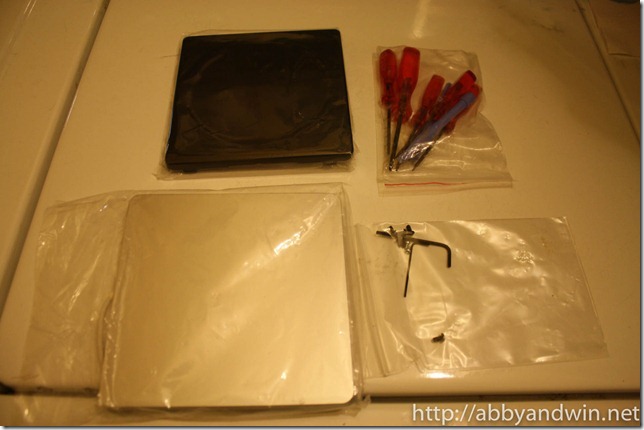
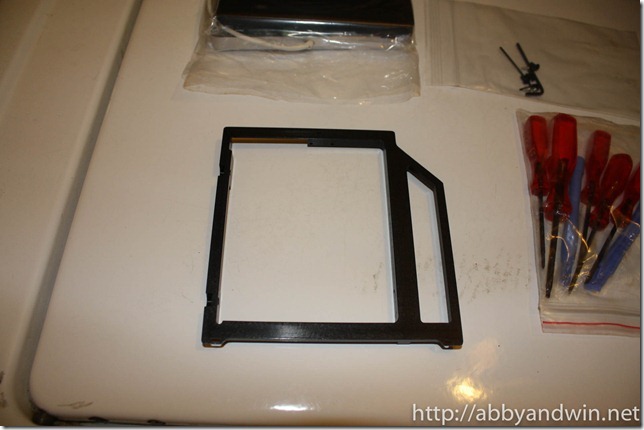
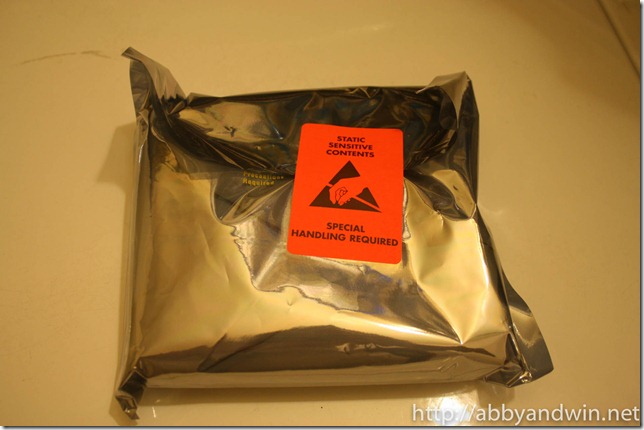
I just installed the optibay kit from Maxupgrades.com on my Macbook Pro (MC723LL). The kit cost $89 with the USB enclosure. I called them up before ordering and spoke with one of the sales people for almost half an hour. He knew a great deal about Apple products and he says that he’s one of the machinist that builds the kits. He guarantees that they are aluminum. I gave them a chance and was surprised at the level of quality and shipping/packaging. The package is well wrapped and padded. The parts were in anti-static bags and on top of the that, the tools were included as well as the screwdriver was magnetized to help with assembly. It didn’t come with any instructions on how to remove the optical drive. I tried to look on Youtube but didn’t find what I needed. I have opened other Macs before without any guide. A good rule of thumb is to go slow and be careful. I figured I’ll give this a shot. I took roughly 30 minutes for the whole install so it wasn’t as bad as open up an iMac.
There were 3 screws I didn’t use because the holes didn’t line up. It’s on the SATA adapter to be screwed on the aluminum bracket. It was either screwing the adapter and not having the SATA connectors fully plugged in or not screw it on and have the SATA connectors fully plugged in. I chose the latter. It’s fairly secure even without the screws. Here are some pictures during the unboxing.