Asus EEEPC 900A netbook
I just picked up an Asus Eee PC 900A from Best Buy. I wanted to pick up a netbook for a couple of months now but ended up getting an HP dv9999us last month. Office Depot it for a very good deal so I could not pass it up. Now Best Buy has a deal with this Asus netbook that I cannot pass up. After a week of use, here’s my initial impression and experience.
The netbook comes with Xandros OS. The desktop is grouped by tabs with applications in each group. After the software updates though, the system became unstable. There were times after boot up, the mouse and/or keyboard didn’t respond. I had to restore the system to factory defaults. That was easy to do. I just had to press and hold F9 as soon as the netbook started.
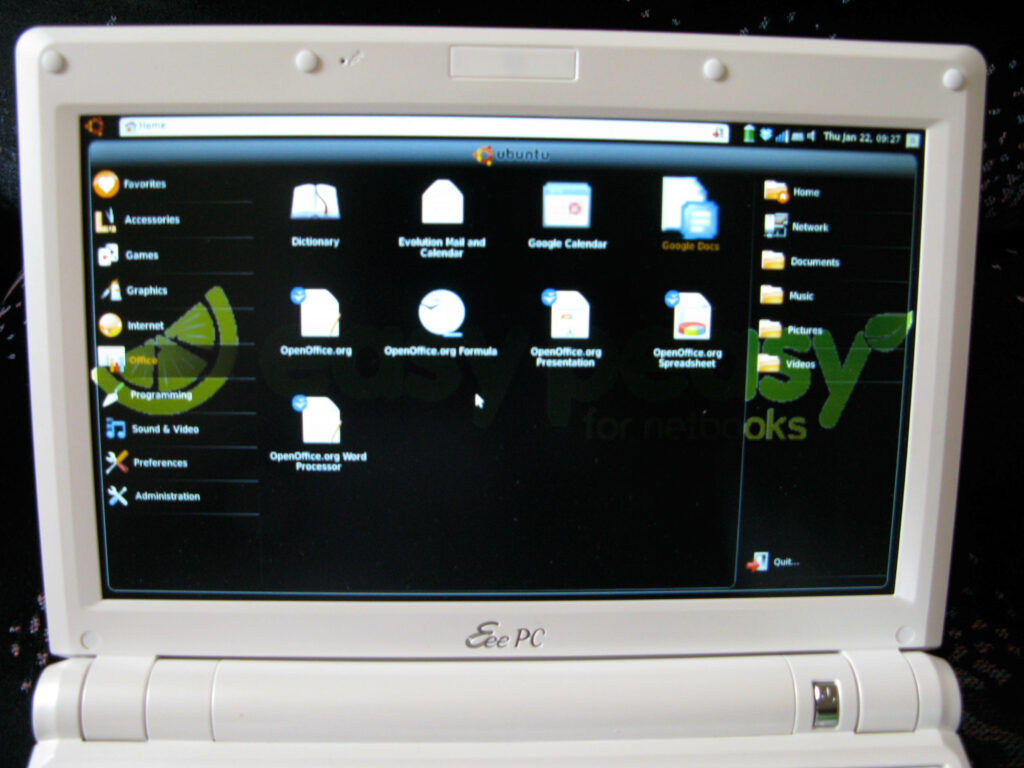
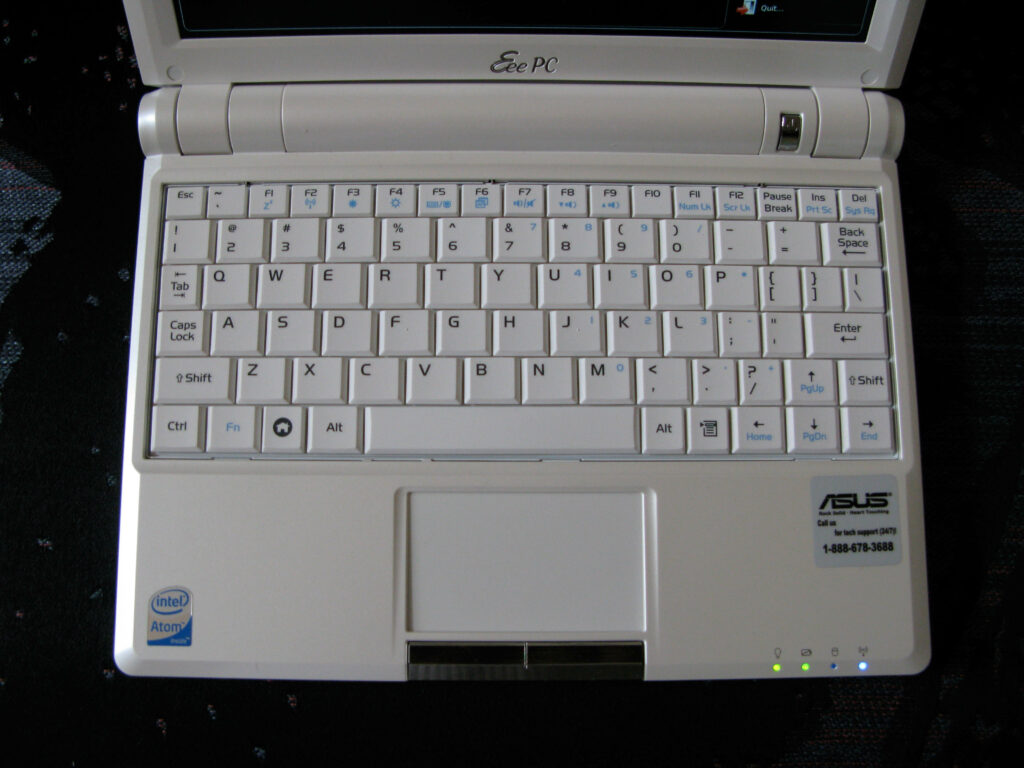
I then decided to install Easy Peasy via USB flash drive. The manual says to press and hold the ESC button to access the boot device selection. It didn’t work. What I found to work is pressing both ESC and F2 keys during POST. It only recognized my bootable USB flash drive when connected to the USB port closes to the right, Shift key.
I used Unetbootin to create the bootable USB. Once I booted off it, I got 3 options: Default, Help, and OEM. I selected Default and it run the Live CD version. Once Easy Peasy loaded, I installed it. There were some bugs after installation but this post http://www.ubuntu-eee.com/forum/viewtopic.php?f=12&t=543 answered all my problems.
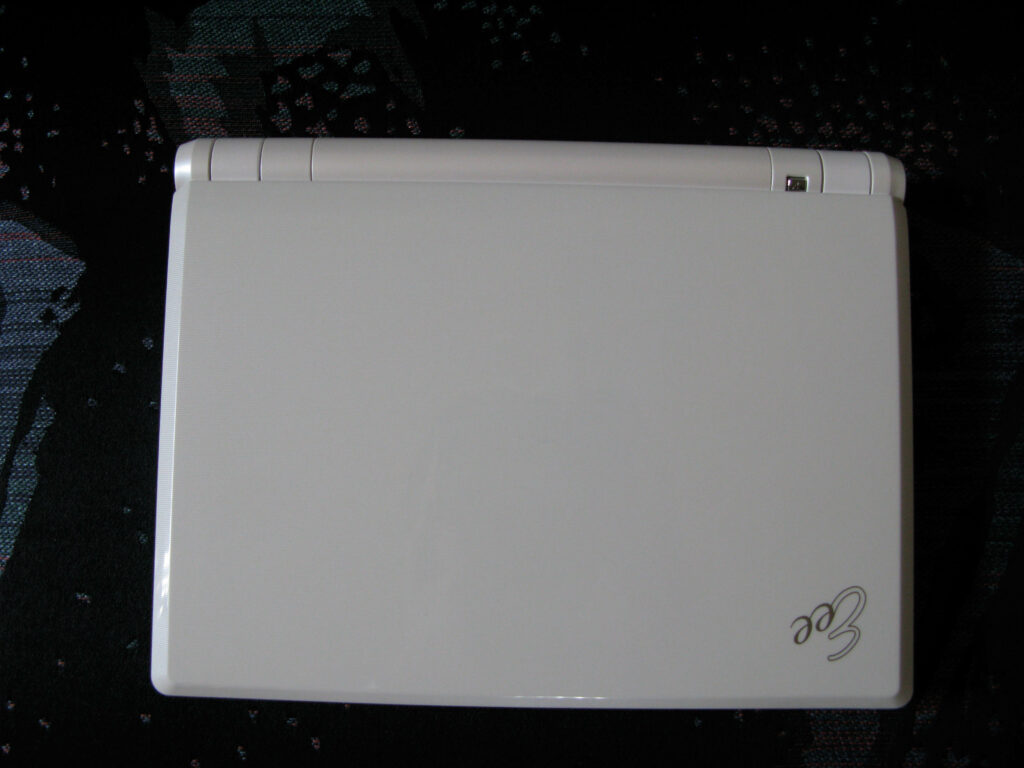
After installing a few more softwares, I still have about 800MB. I’m planning on getting a 16GB SDHC card and maybe a 16GB SSD drive to replace the 4GB. This netbook has an Intel Atom N270 processor, 1GB DDR2 ram, 8.9” WSVGA widescreen monitor (1024×600), Intel Graphics Media Accelerator 950, SD and MMC card reader, 3 USB 2.0 ports, and wireless connection (supports WEP and WPA/WPA2 security). This thing only weighs 2.2lbs and 1.3” thick. It’s very nice and portable. Another cool feature is the 2 finger scroll just like my MacBook Pro. You can scroll up and down using 2 fingers on the trackpad. I also was able to connect to my HP 2600N color laserjet.
If you will not upgrade the 4GB SSD drive, I highly recommend installing Easy Peasy (Ubuntu EEE). If not, do not update the software unless you are experiencing problems and even then be careful not to run out of drive space.
Only 2 things I wish it had, a webcam and an ExpressCard slot. I can live without the webcam but my Verizon V70 is an ExpressCard. Now I can only access the internet if I’m within a wireless connection. Many coffee shops now have free wi-fi access anyway so again no big deal.
So after a day of use, it’s a great machine with lots of potential uses and upgrades. If you can get your hands on one for around $200, jump on it.
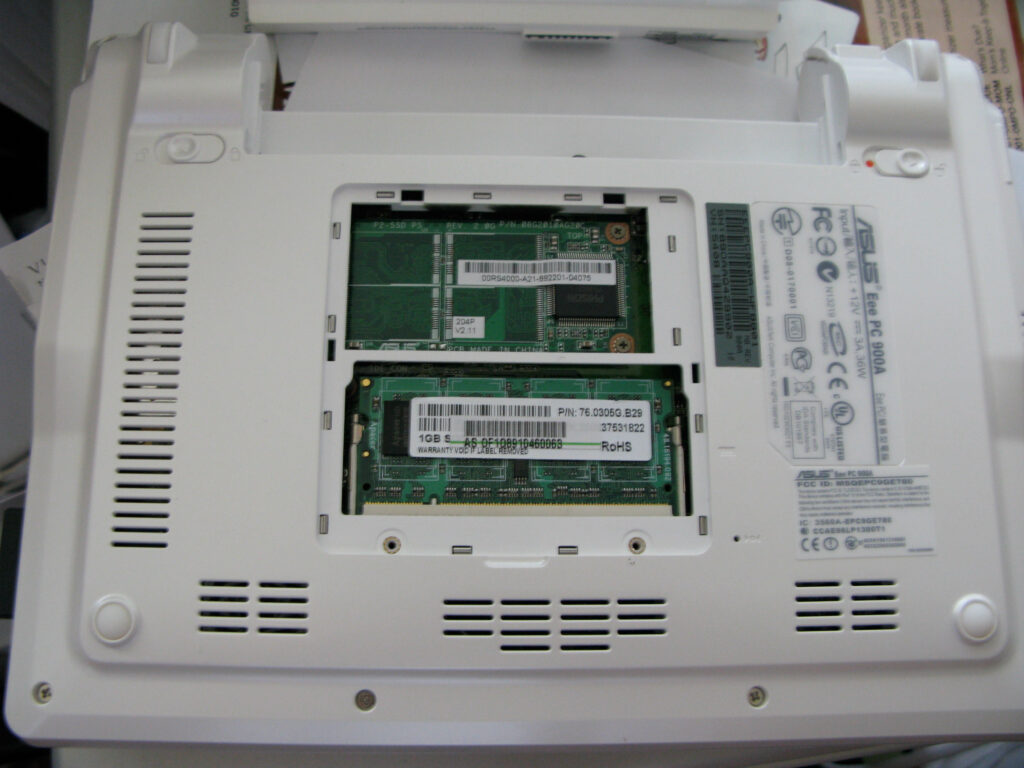
Could you do me a HUGE favor a drop me an e-mail if and when you upgrade the SSD? I’ve done some research on what to go with, but I haven’t heard of anyone having good experiences with them overall. Thanks!
Hi Ren, I actually upgraded the SSD days after. I posted it, here’s the link http://abbyandwin.net/blog/200…. All the parts used have links. It’s still a little slow. Many people recommended the Runcore brand but I didn’t want to pay the extra bucks. This is just a project toy and nothing serious. It is slower running XP Pro even after I stripped out a lot of the unnecessary pieces. Maybe the Runcore SSD will speed it up, who knows. I’d like to see a side by side video between the Runcore and regular SSD. I’ve seen benchmark numbers but I’m a visual type of guy. Hope that helps.
Can you share a link to the driver you used to connect to your HP 2600n? Are you only using b&w or are you printing color as well? Pictures? I’d like to have the kids netbooks work with our 2600n but haven’t found a suitable driver. Thanks!
hi jlr2000, it’s been awhile since i installed the printer on my netbook and have formatted it many times since then (just trying out different OS). also, my 2600n is now retired so i can’t retrace my steps on how i got it to work.for the most part, i used the 2600n for b&w prints. i hardly used it for color. i wouldn’t recommend it for printing photos coz photo paper that is compatible with laser printers are more expensive than inkjet and if i remember correctly, the printer does not have a high resolution for color compared to inkjet printers of today. also, i connected via network and not through USB. that i remember.you may have read this thread but i’ll post it anyway just in case. http://ubuntuforums.org/showth…. it may have something that will lead you to the solution. sorry i can’t be more help. normally i would’ve posted how i got it to work but it may have been a straight forward install that’s i why i didn’t. i just can’t remember – short term memory i guess 🙁